Review: iFi Audio iTube2
Firstly I would like to thank iFi for this sample to review,
as always I try to write honest reviews, this unit has had over 50hrs of
burn-in, no real differences were noted.
Gear Used:
HP Pavillion laptop > JDS Labs OL DAC > iTube2 >
Marantz PM44 MKII SE > Denon SCM-50

Tech Specs:
You can find a comprehensive list on the iFi Website:
Packaging, Accessories and Build Quality:
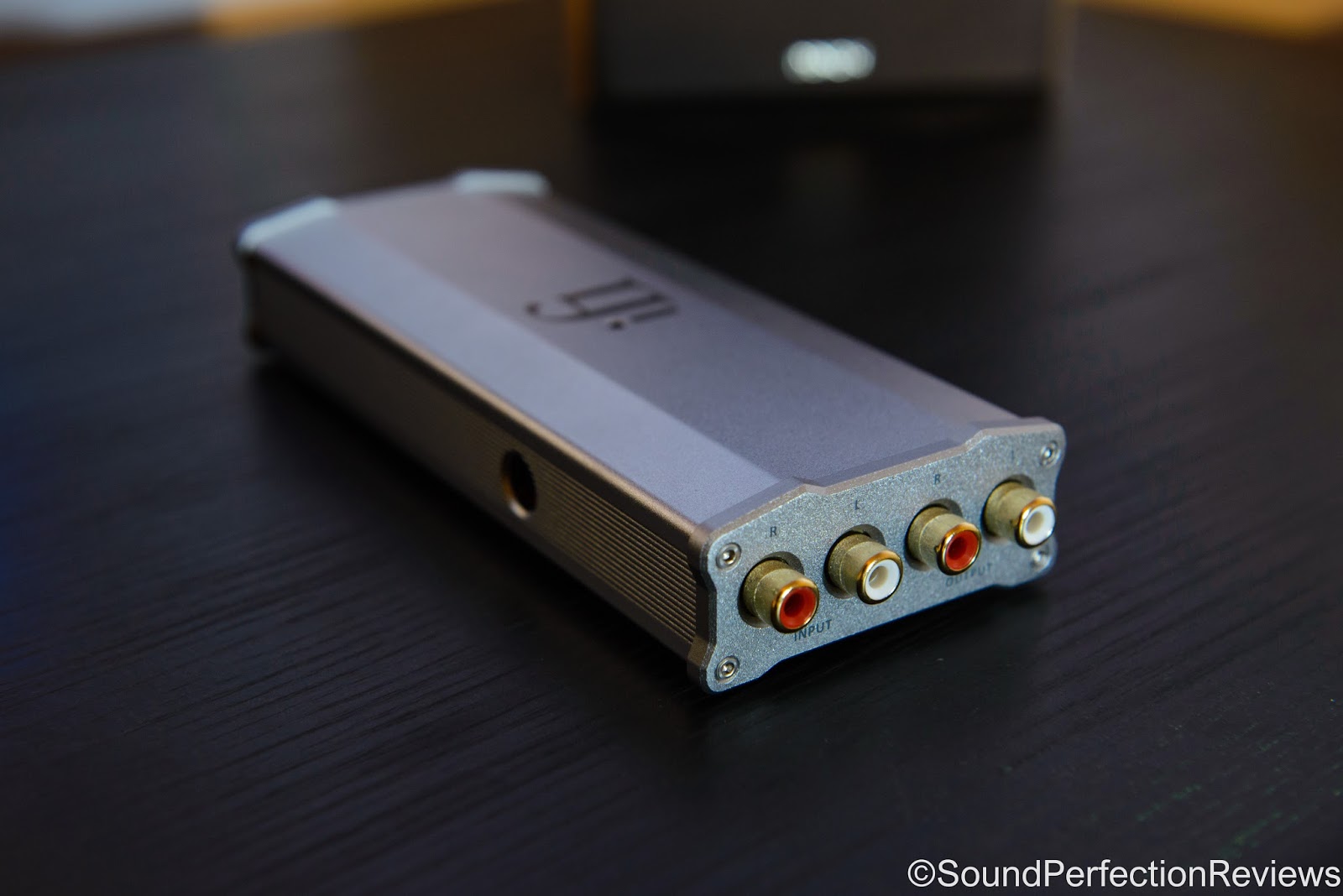
The packaging is the same as the rest of the Micro line,
which is fine by me. It comes in a long slim white box, on the front you get a
picture of the product, on the L side of the box you get a true to size picture
of the iTube2 side on, on the R side of the box it lists the key technologies
used, and on the back you get the tech specs and additional information. One
you remove the outer sleeve, and take the top off you are greeted by the iTube2
held in a little in tray. Underneath this you will find all the included
accessories. They waste no space with the packaging, it is neat, looks good and
I really like it.
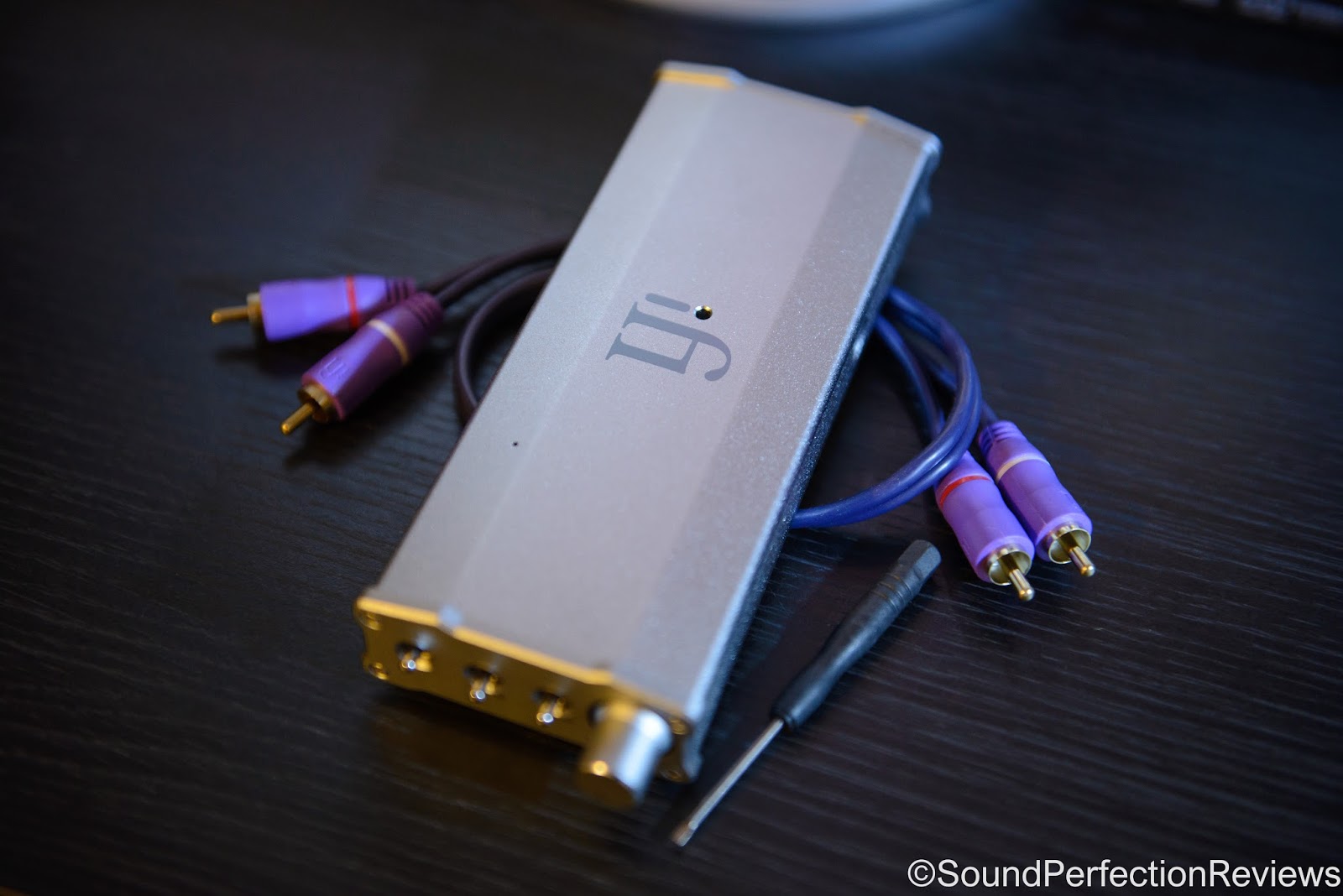
Included accessories are good, you get a pair of short RCA
interconnects, a small flat head screwdriver for changing the DIP switches on
the bottom, rubber feet, power supply and an adaptor for it so the plug that
goes in the iTube2 is at a right angle for neater installation, you also get a
quick start guide which is very good and explains all the features without
going too in depth.
Build quality is the same as the rest of the micro range, it
is a slim aluminium housed device, all precisely put together with excellent
finish. The volume knob is also the power switch, it operates very smoothly,
the front switches all feel like they will last, the inputs/outputs are sturdy
the only delicate part is the DIP switch panel on the bottom, but they will
last if switched carefully, and most people won’t change them much anyway.

Features:
This little device is packed full of great little features,
I won’t go in to too much detail but I will try and list them all.
For the most part this is a valve buffer/pre-amp that adds a
little tube magic in to the sound of your system. The amount can change whether
you have it set to a 0dB buffer/pre-amp or a 9dB gain buffer/pre-amp, the
latter being slightly warmer.
It has one pair of RCA inputs, one pair of outputs, the LED
on the top starts off red when you first turn it on, and turns orange in aprox
a minute meaning it is ready to be used.
Now for the front switches:
Closest to the volume knob you have the option to choose
between SET, - or Push-Pull. This one is all down to personal preference, you
can have it sounding like a Single-Ended Triode power amp, classic
low-distortion tube-based studio equipment or a Push-Pull tube power amplifier.
With my system I preferred the – position, it sounded the most up front and
engaging.
In the middle you have the Xbass switch, this is really good
for smaller desktop speakers, iFi recommend the 6dB position for speakers
missing only the lowes bass notes (40Hz and below), and the 12dB position for
speakers missing some bass notes (80Hz and lower). Or you can leave it off if
you have enough bass in your system. My little SCM-50 speakers benefited from
the 12dB position.
Last but not least you have the 3D Holographic with 30⁰+,
- or +, iFi recommend the 30⁰+ for narrow placement of speakers,
the – leaves this setting off, and the + recreates the original “width” of the
soundstage and should be used as the default. I can say now this setting has
completely changed my desktop listening experience, using the 30⁰+
due to my speakers being next to my PC monitor.

Sound:
Well this greatly varies depending on your system and
settings, but once I had messed about with the settings a little I have it set
up to my preference and it has completely changed my desktop listening. This
device also works well as a tube buffer for headphone systems, where you want a
little tube magic, just stick it between your source and amp and happy
listening.
Now I have this set up as a 0dB buffer, with the XBass set
at 12dB and the 3D Holographic at 30⁰+, it has helped my speakers not sound
as thin, and also the soundstage is so much more accurate. The tubes adds that
little bit of warmth, that makes them sound less harsh but still very detailed.
The Xbass really helped fill out the low end without any added bloat, it is
very precise and well controlled.
The 3D holographic setting though is a game changer, if I turn it off it almost sounds as if I am listening to a mono recording, the soundstage got so much wider, and more natural. Pinpointing instruments is so easy now.
The 3D holographic setting though is a game changer, if I turn it off it almost sounds as if I am listening to a mono recording, the soundstage got so much wider, and more natural. Pinpointing instruments is so easy now.
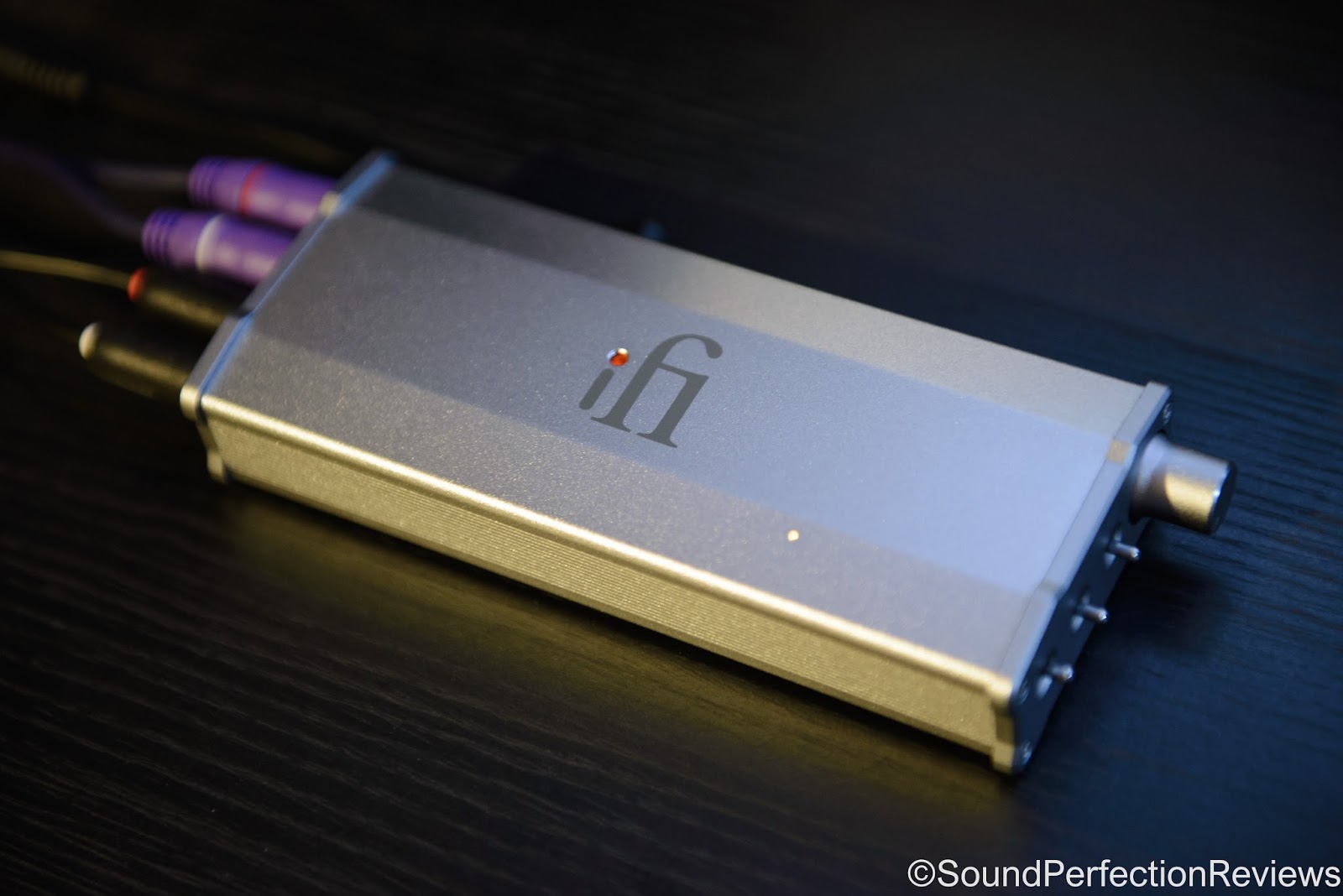
iFi Audio have taken the original iTube, which was and still
is an awesome device, and managed to squeeze even more out of it without making
it bigger, the great thing about this is that it fits in to any system and you
can let it have very little influence over the sound, by having it as a pure
0dB buffer, and it will add a little tube sound. Or you can play with the
settings and see what works best for your system.
After playing about with the settings, it has made a big
audible difference to my desktop setup which without this sounds a little thin,
with very limited soundstage as it is not set up very well due to space and
room constraints.
Sound Perfection Rating: 10/10 (Such a great, featured
packed device for all systems)
Comments
Post a Comment